
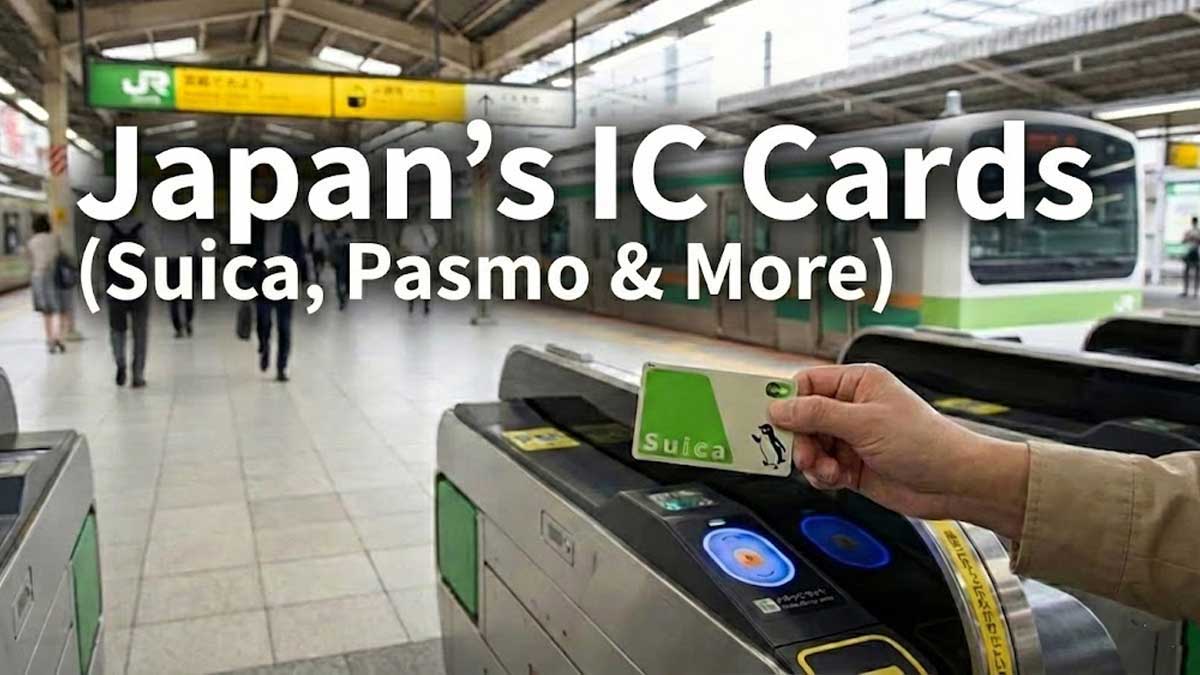
Stepping into a Japanese train station can be a sensory overload. The rhythmic “shh-shh” of sliding doors, the melodic departure chimes, and the sea of commuters moving with surgical precision. At the heart of this organized chaos is a small card that functions like magic: the IC Card.
While “Suica” is the most famous name, these rechargeable, contactless smart cards eliminate the need to buy paper tickets entirely. Having one means you can travel seamlessly across almost all major cities in Japan with a single tap.
Contents
- What exactly is a Suica / IC Card?
- Crucial Fact: One Card for the Whole Country
- How to Get Your Card: Physical vs. Digital
- How to Recharge (Top Up) Your Card
- Mastering the Ticket Gate: Touch and Go
- Beyond Trains: Shopping & Taxis
- Summary
1. What exactly is a Suica / IC Card?
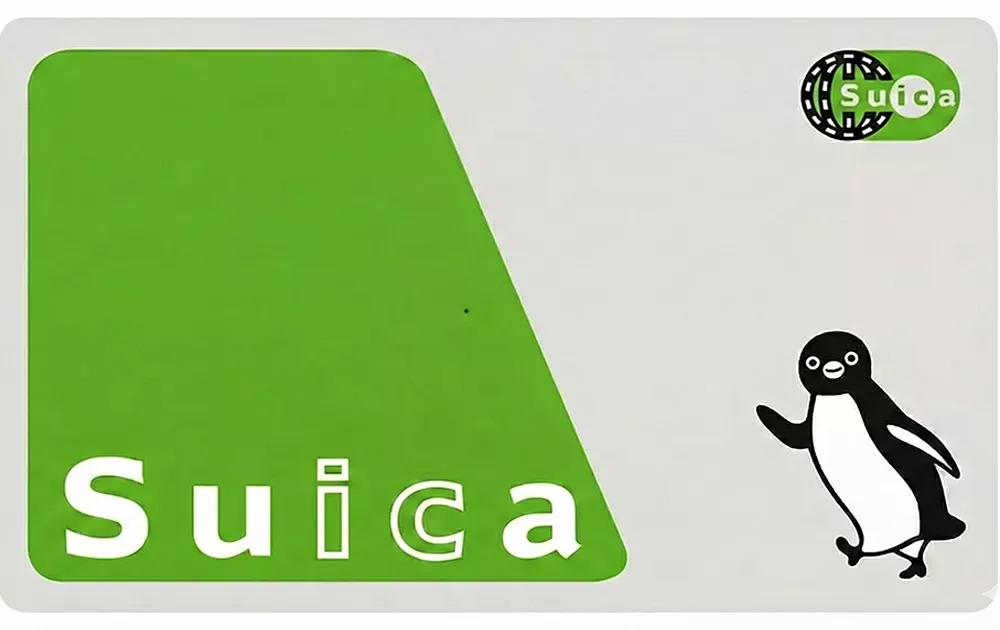
Technically, these cards use Sony’s FeliCa NFC technology, allowing for near-instant communication with readers. You don’t need to “swipe” it; you simply touch the card or your phone against the blue glowing pad at the ticket gate. It’s faster than any credit card transaction you’ve experienced, designed specifically to prevent bottlenecks at the world’s busiest stations like Shinjuku.
In the Tokyo area, the two main cards are Suica (issued by JR East) and Pasmo (issued by private railways).
2. Crucial Fact: One Card for the Whole Country
Many travelers worry, “Do I need a different card if I go to Kyoto?” The answer is No.
Japan’s IC cards are compatible nationwide.
- Tokyo: Suica, Pasmo
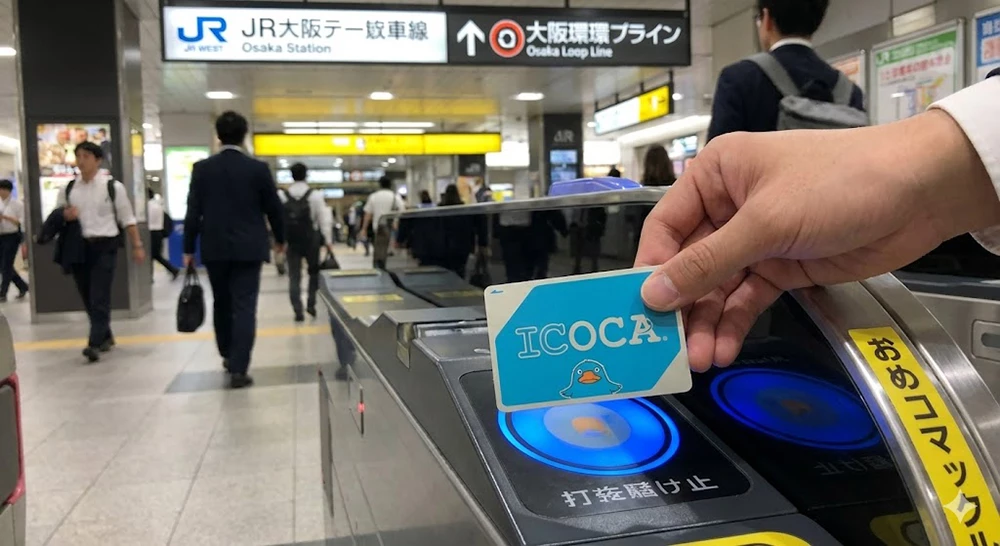
- Osaka / Kyoto / Hiroshima: ICOCA
Key Takeaway: Even if you buy a Suica in Tokyo, you can use it on the subway in Osaka or a bus in Kyoto. You only need one card for your entire trip.
3. How to Get Your Card: Physical vs. Digital
In the past, you could walk into any station and grab a Suica from a machine. However, due to a global semiconductor shortage, regular physical cards have become rare. Here is how you should get yours in 2026.
Option A: Mobile Suica (Most Recommended)
If you have an iPhone or a compatible Android, you don’t need a physical card at all.
- How to set it up: Go to your Wallet App, tap “+”, select “Transit Card,” and search for “Suica” or “Pasmo.”
- Why it’s better: You can top up your balance using Apple Pay or Google Pay anytime, anywhere. No lining up at machines!
Option B: The “Welcome” Cards (For Tourists)
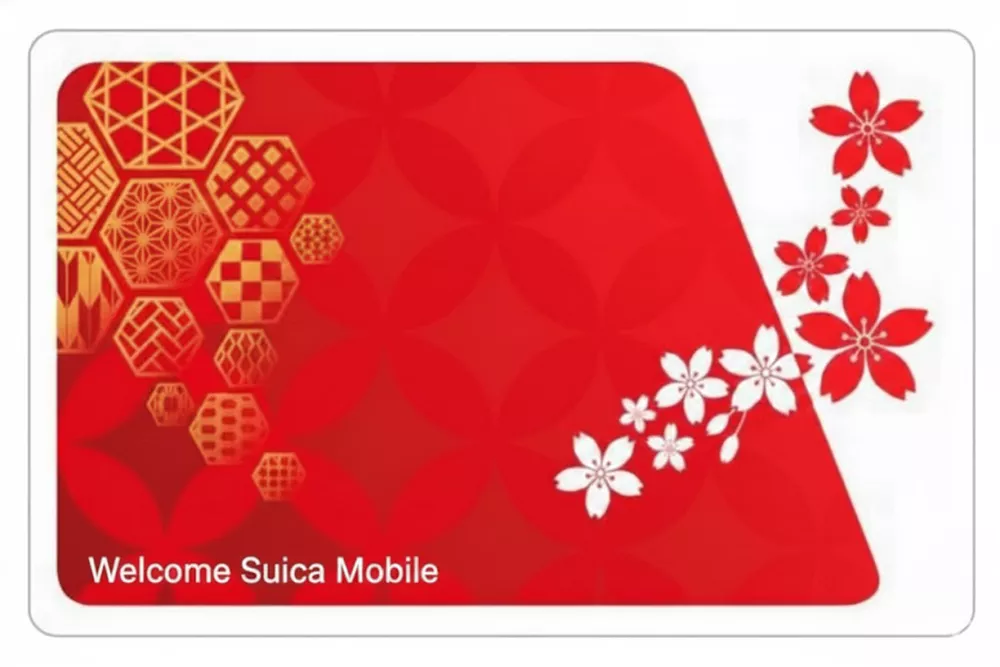
If you prefer a physical card, look for the special tourist versions at Narita or Haneda Airport.
- Welcome Suica (Red): Issued by JR East.
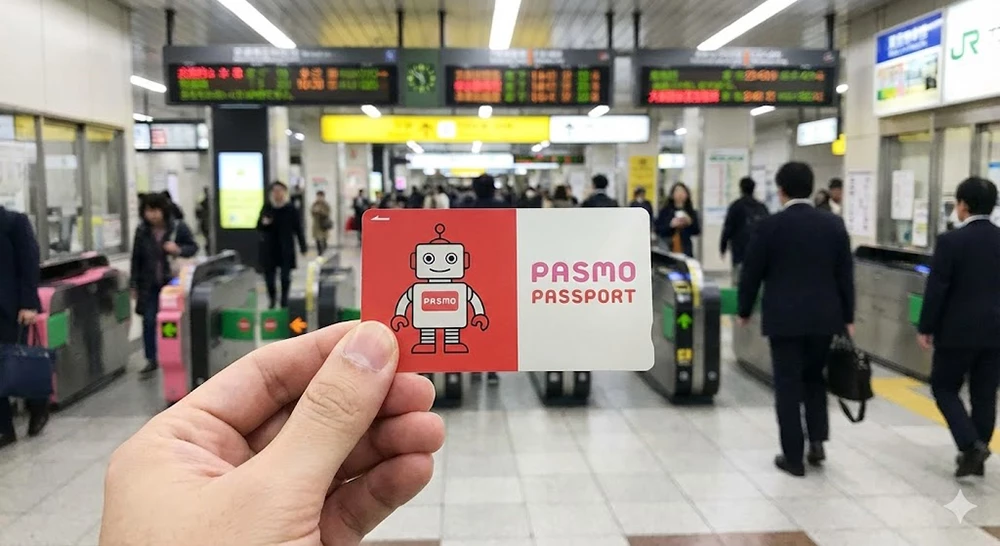
- Pasmo Passport (Robot design): Issued by private lines.
- The Catch: These are valid for 28 days, require no deposit, but you cannot get a refund for any leftover balance.
4. How to Recharge (Top Up) Your Card
If you are using a physical card (Welcome Suica or Pasmo Passport), you will need to recharge it with cash.
- Go to any ticket machine at any station.
- Insert your card into the slot.
- Press the “Charge” button on the screen (English is available).
- Select the amount and insert cash (Yen bills).
- Take your card and receipt. (Note: Most ticket machines only accept cash for recharging, not credit cards).
5. Mastering the Ticket Gate: Touch and Go
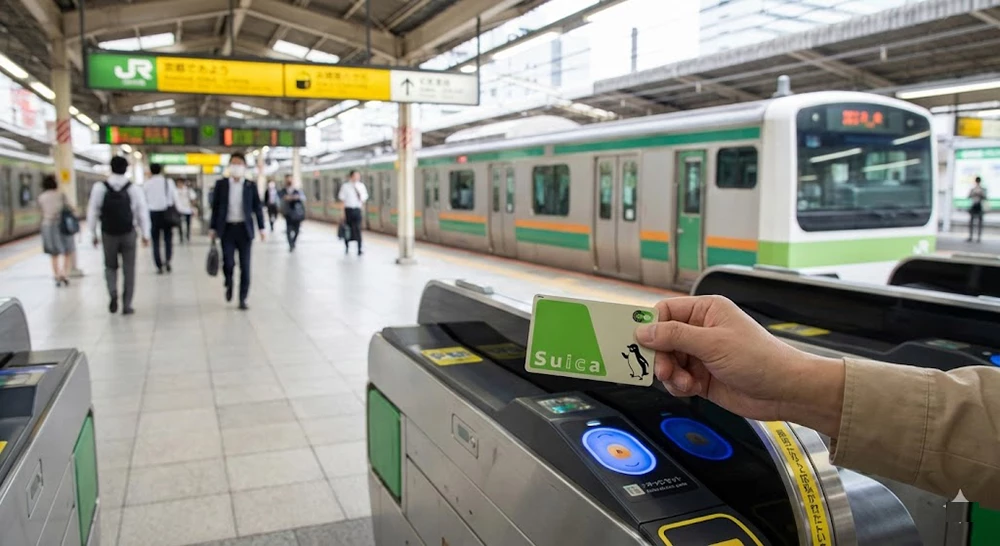
Using the ticket gate is a rite of passage for every traveler in Japan.
- The Entry: Tap your card or phone on the blue glowing reader. You will hear a short “pip” and the screen will show your current balance.
- The Exit: When you reach your destination, tap again. The system calculates the fare and deducts it automatically.
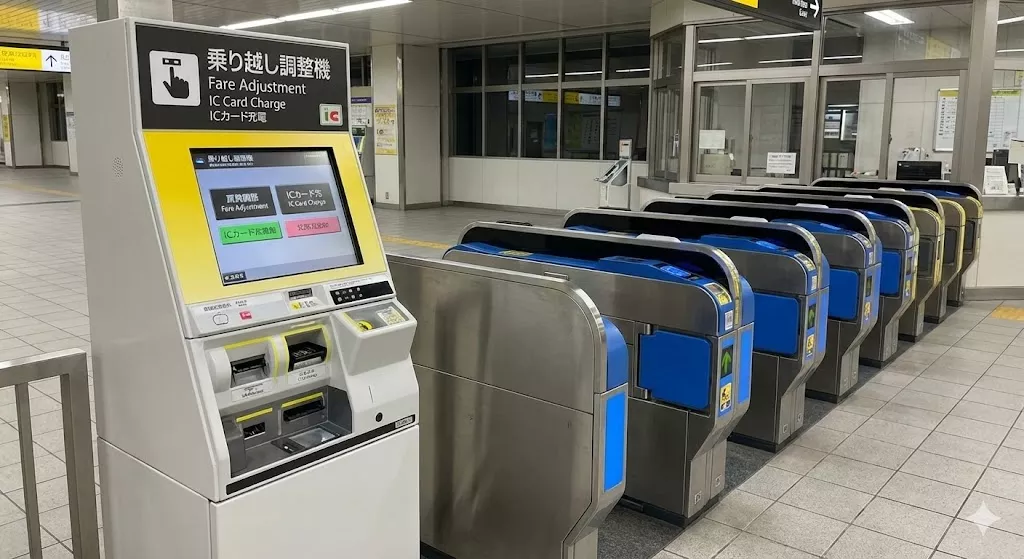
- Pro Tip: If the gate turns red and the flaps close, don’t panic! It usually means your balance is too low. Just look for the “Fare Adjustment” machine nearby to pay the difference.
6. Beyond Trains: Shopping & Taxis
One of the best-kept secrets is that an IC Card is effectively a universal digital wallet. You can use it to pay for almost anything:
- Convenience Stores: 7-Eleven, Lawson, and FamilyMart all accept Suica/Pasmo.
- Vending Machines: Just touch the reader to buy a drink on the go.
- Coin Lockers: Many modern lockers use Suica as the key. You tap to pay, and the locker “remembers” your card to open it later.
- Taxis: Many taxis in cities accept IC card payments, making it easy to pay without fumbling for coins.
Summary
Do not waste your holiday standing in line for paper tickets. The Suica (or Pasmo) is the ultimate key to unlocking Japan. It saves you time, reduces stress, and even helps you buy a quick coffee when you’re in a rush. Whether you choose the physical Welcome Suica or the digital version on your phone, getting one should be your very first priority after landing.
Read Next:


Comments